
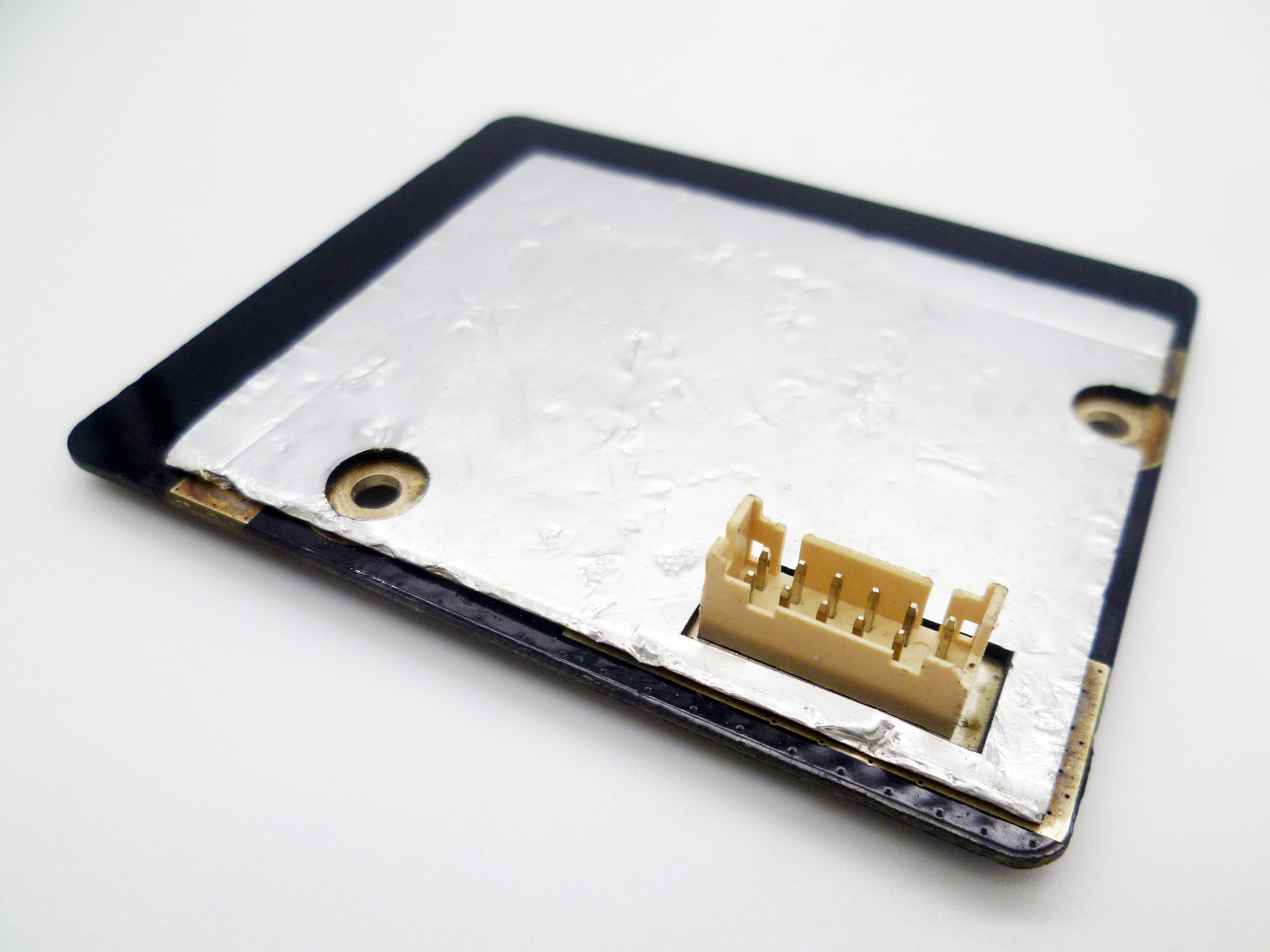
When an Xbox One console loses its wireless connectivity, the culprit is often the combined Bluetooth and WiFi module. The 1525 module is the internal board responsible for both WiFi and Bluetooth functions in the original Xbox One (and some later revisions). This review examines the part as a replacement component, focusing on its role, installation considerations, and realistic expectations.
The 1525 module is a small circuit board that slots into the console’s mainboard. It handles 2.4GHz and 5GHz WiFi (802.11a/b/g/n) and Bluetooth 4.0, enabling wireless controller pairing and network connections. In practice, this part is used when a console exhibits symptoms like frequent disconnects, inability to detect WiFi networks, or controllers that fail to stay paired. It is not a user-installable upgrade; it requires opening the console and basic soldering or connector reseating, depending on the revision.
Functionally, the module is a direct replacement for the original part. It does not offer improved range or speed over the stock component; it simply restores original functionality. The board includes the WiFi/BT chip, antenna connectors, and shielding. Installation requires removing the console’s outer shell, disconnecting the old module, and securing the new one. No drivers or software updates are needed—the console recognizes it automatically. However, results depend on the source: some aftermarket units have been reported to have weaker signal strength or shorter lifespan than OEM parts.
One limitation is that this part is specific to certain Xbox One models. The 1525 module is not compatible with Xbox One S or Xbox One X, which use a different wireless board. Buyers must verify their console model before purchasing. Additionally, the part is often sold as a pull from used consoles, so condition varies. New aftermarket versions exist but may not match original quality. Another trade-off is the installation complexity: it is not a plug-and-play external adapter. Those uncomfortable with console disassembly should consider a USB WiFi adapter or a wired connection instead.
Compared to using an external USB WiFi adapter, the internal module replacement preserves the console’s clean look and avoids occupying a USB port. However, an external adapter can be easier to install and may offer better performance if placed well. For Bluetooth, the internal module is the only option for controller pairing, as the console does not support third-party Bluetooth dongles. Thus, if Bluetooth is malfunctioning, replacing the module is the primary fix.
Who is this for? It is suitable for DIY repairers with experience in console teardown, especially those fixing a console with confirmed wireless failure. It is also for those who prefer original internal parts over external solutions. Who is it not for? Casual users who are not comfortable with electronics repair, or those with consoles under warranty (opening voids it). Also, if only WiFi is problematic, a USB adapter might be a simpler workaround.
In summary, the 1525 module is a niche replacement part that serves a specific repair need. It restores original wireless functionality but does not enhance it. Quality varies by seller, so sourcing from reputable suppliers is advised. For the right user, it is a cost-effective fix; for others, alternative solutions may be more practical.