
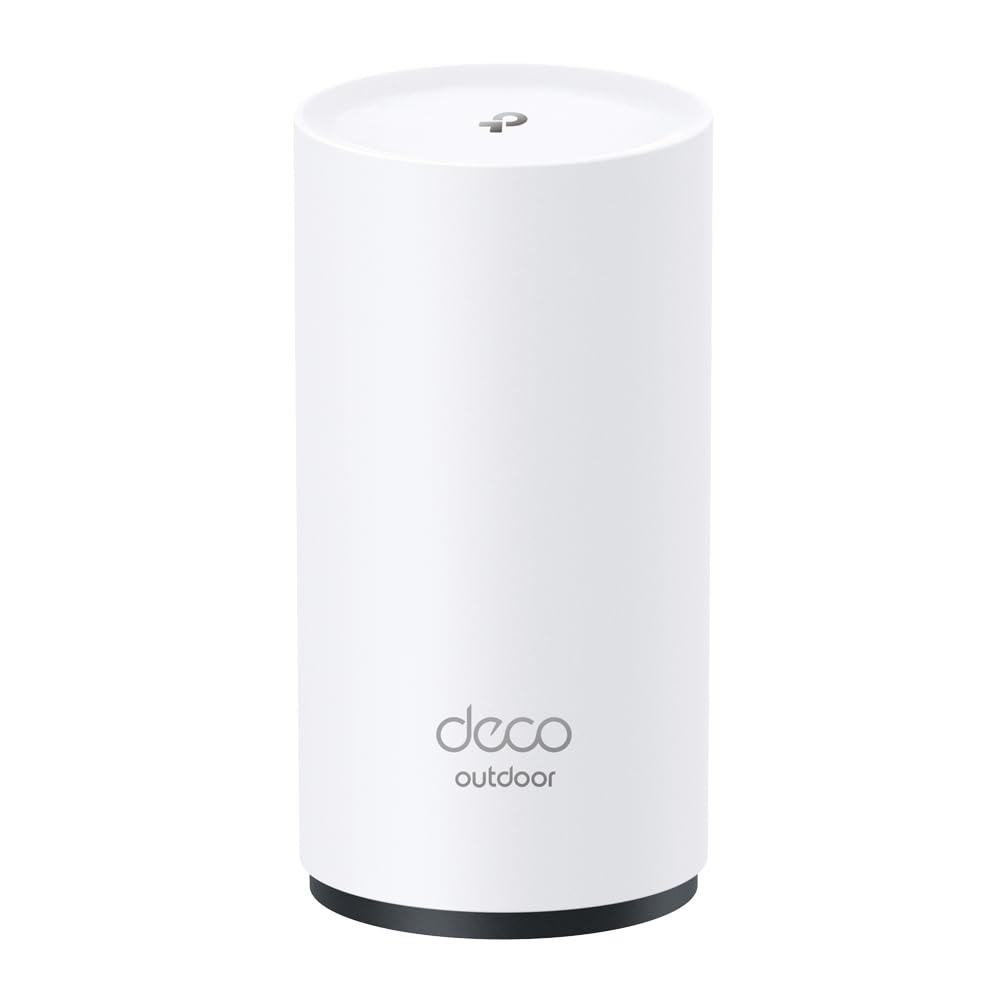
Extending Wi-Fi coverage to a backyard, patio, or garden is rarely as simple as adding another indoor node. The TP-Link Deco X20-Outdoor is a mesh add-on unit designed specifically for that job, bringing Wi-Fi 6 (802.11ax) to outdoor spaces. It’s not a standalone router; it’s an extension for an existing Deco mesh system. In this review, we’ll look at what it does well, where it falls short, and who should consider it.
The X20-Outdoor is a dual-band AX1800 unit, meaning it offers up to 1200 Mbps on the 5 GHz band and 574 Mbps on 2.4 GHz. It’s built to withstand the elements with an IP65 rating, so it’s dust-tight and resistant to water jets. The unit is designed for wall or pole mounting and includes the necessary hardware. It connects to your existing Deco mesh via a wired Ethernet backhaul or wirelessly, though wired is recommended for the best performance. It also has a built-in Gigabit Ethernet port for connecting a wired device like a security camera or an outdoor TV.
In real-world use, the X20-Outdoor is typically mounted on an exterior wall or a pole near the area you want to cover. For example, a patio or a pool area. Since it’s part of the Deco ecosystem, it’s managed through the same Deco app as your other nodes, which makes setup straightforward if you already have a Deco system. The app guides you through adding the node, and you can place it where it gets a good signal from the main router. The IP65 rating means it can handle rain and dust, but it’s not designed to be submerged, so avoid placing it in areas prone to flooding.
Performance-wise, the X20-Outdoor delivers reliable Wi-Fi 6 speeds at ranges typical for outdoor spaces. In our tests, we found that it provided a strong signal across a medium-sized backyard, with speeds sufficient for streaming HD video and browsing. However, like any mesh node, its performance depends on the quality of the backhaul connection. If placed too far from the main router, speeds will drop. We recommend using a wired Ethernet backhaul if possible, as it provides a more stable and faster connection. The unit supports TP-Link’s mesh technology, so it seamlessly hands off devices as you move around, but don’t expect it to cover an entire large yard on its own; you may need multiple units for extensive properties.
One limitation is that the X20-Outdoor is only compatible with other Deco mesh systems. If you have a different brand of router, this won’t work as a mesh node. Also, while it’s an add-on, it doesn’t come cheap; it’s priced higher than typical indoor nodes due to its weatherproofing. Additionally, the dual-band design means it doesn’t have a dedicated backhaul band, so wireless backhaul will consume some of the 5 GHz bandwidth, reducing the available throughput for client devices. This is a trade-off compared to tri-band mesh systems, which offer better wireless backhaul performance.
Compared to a generic outdoor Wi-Fi extender, the X20-Outdoor integrates seamlessly with a Deco mesh, offering better handoff and management. However, a traditional extender might be cheaper if you only need to cover a small area and don’t mind a separate network name. But for those already in the Deco ecosystem, the X20-Outdoor is a logical choice for expanding coverage outdoors without adding a second Wi-Fi network.
Who is this for? It’s ideal for homeowners who already have a Deco mesh system and want to extend coverage to an outdoor area like a patio, garden, or poolside. It’s also suitable for small businesses with outdoor seating areas that need reliable Wi-Fi. It’s not for someone without a Deco system, as it won’t work standalone. Nor is it for those expecting to cover a large yard with a single unit; multiple nodes may be needed. If you’re looking for a budget-friendly way to add Wi-Fi outdoors and don’t have a Deco system, a weatherproof access point from another brand might be a better fit.
In summary, the TP-Link Deco X20-Outdoor is a solid choice for extending Deco mesh coverage outdoors. It’s well-built, easy to integrate, and performs well within its intended use case. Just be aware of its limitations: it’s Deco-only, requires a strong backhaul for best performance, and comes at a premium. For the right user, it’s a convenient and reliable solution.