
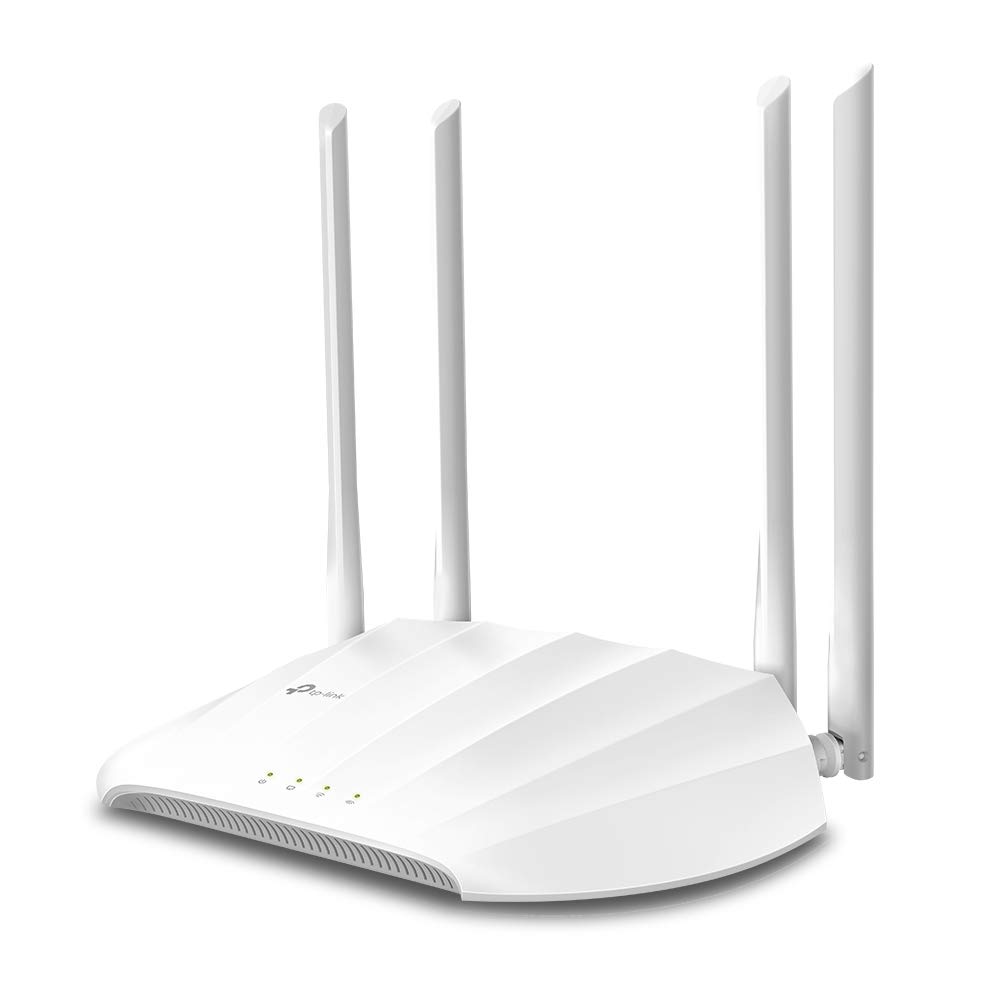
The TP-Link TL-WA1201 is a dual-band AC1200 access point designed to add reliable Wi-Fi coverage to a space that already has a wired network connection. Unlike a typical range extender that repeats a weak signal, the TL-WA1201 connects via Ethernet to your router or switch, then broadcasts its own Wi-Fi network. This makes it a practical option for filling dead zones in homes or small offices where running a cable is feasible.
In real-world use, the TL-WA1201 is often deployed in rooms far from the main router—such as a home office, a garage, or a basement—where Wi-Fi struggles to reach. It can also serve as a dedicated access point for guests or IoT devices, keeping them separate from the primary network. The device supports multiple operation modes, including access point, range extender, and client mode, but its standout feature is the gigabit Ethernet port, which ensures the wireless network isn’t bottlenecked by a slow uplink.
Key functional features include dual-band 802.11ac Wi-Fi with speeds up to 300 Mbps on 2.4 GHz and 867 Mbps on 5 GHz, a single gigabit Ethernet port, and support for PoE (Power over Ethernet) when used with a PoE injector or switch. The TL-WA1201 also offers a handful of SSIDs, VLAN tagging, and centralized management via TP-Link’s Omada controller (sold separately). Setup is handled through a web interface or the TP-Link Tether app, and the device can be wall or ceiling mounted with the included hardware.
Performance-wise, the TL-WA1201 delivers stable throughput when connected to a gigabit wired network. In a typical home, expect to see around 400–500 Mbps on the 5 GHz band at close range, dropping to 200–300 Mbps at mid-range. The 2.4 GHz band is slower but provides better coverage through walls. Latency is low, making it suitable for video calls and streaming, but it won’t match the throughput of a Wi-Fi 6 access point. The lack of MU-MIMO and beamforming means that in crowded environments with many devices, performance may degrade more than with higher-end models.
One limitation is that the TL-WA1201 is not a router—it lacks NAT, DHCP server, and firewall features when in access point mode, so it must be connected to an existing router. Also, while it supports PoE, it does not come with a PoE injector, so you’ll need to supply your own if you want to avoid a power outlet near the installation spot. The web interface is functional but dated, and some advanced settings are buried in menus. Compared to a mesh Wi-Fi system, the TL-WA1201 doesn’t offer seamless roaming between nodes unless paired with other Omada-compatible devices, so devices may not switch automatically to the strongest signal.
Who is it for? The TL-WA1201 is a good fit for DIYers who can run an Ethernet cable to a central location and want to add Wi-Fi coverage without replacing their entire network. It’s also suitable for small businesses that need a budget-friendly access point with centralized management. However, it’s not ideal for users who want a simple plug-and-play solution—a range extender or mesh system would be easier to set up. Those with Wi-Fi 6 devices or very high-density environments should look at newer access points with Wi-Fi 6 support. Overall, the TL-WA1201 is a solid, no-frills access point that gets the job done when wired connectivity is available.