
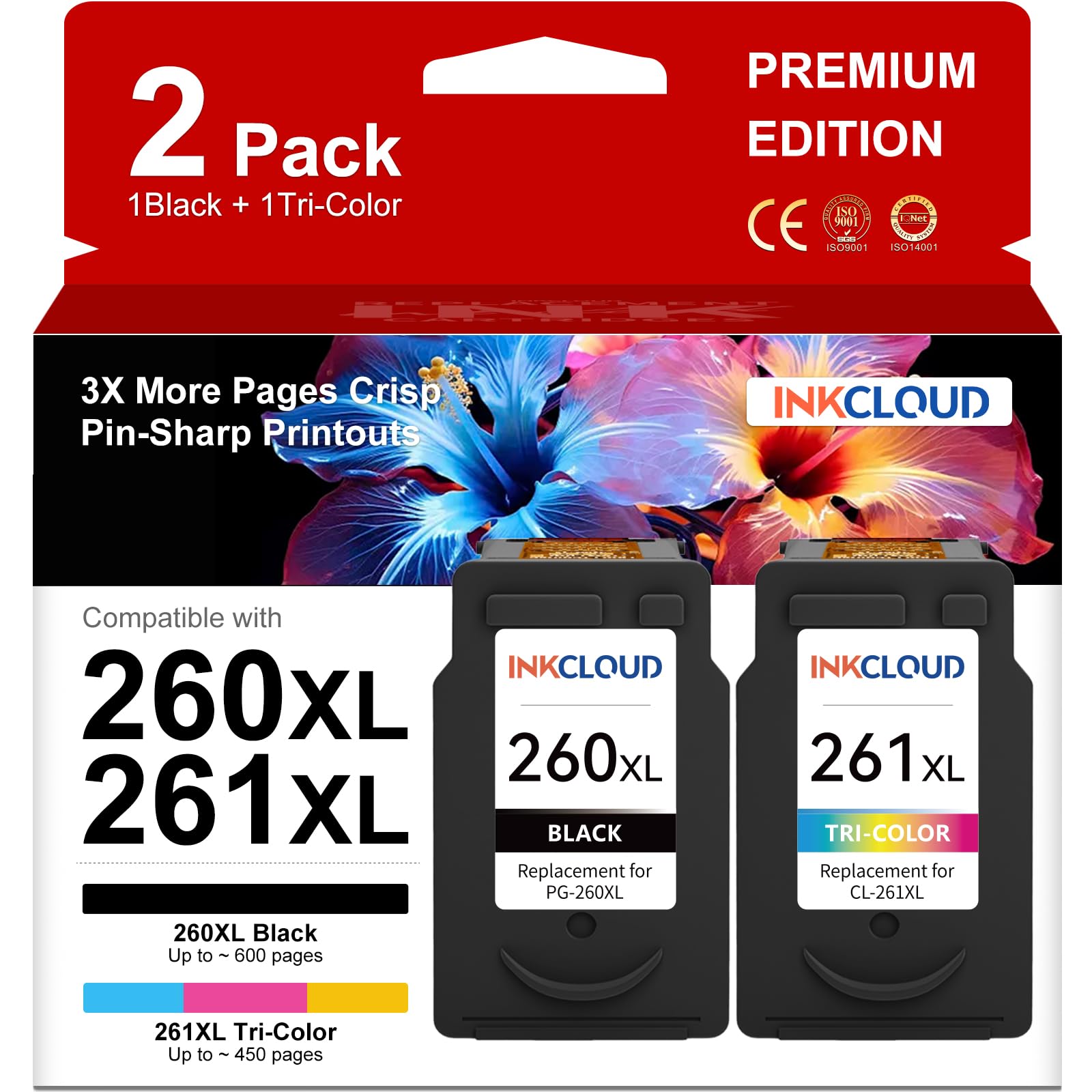
Inkjet printers have a way of turning into money pits, especially when you rely on them for everything from school projects to shipping labels. The Canon PG-260XL (black) and CL-261XL (color) cartridges are the high-yield option for a range of Canon PIXMA models, and the market is flooded with third-party replacements that promise the same output at a fraction of the price. This particular set is one of many such alternatives, and it’s worth unpacking what you’re actually getting before you click buy.
For the uninitiated, these cartridges fit Canon PIXMA printers like the TS3522, TS3520, and MG3620—common household workhorses. The XL designation means they hold more ink than the standard 260/261 cartridges, which theoretically translates to fewer swaps and a lower cost per page. In practice, that’s true, but only if the ink flows reliably and the cartridge is recognized by the printer firmware. That’s where third-party options often stumble.
I spent a few weeks using this replacement set in a Canon TS3522, mostly for black-and-white text documents, the occasional color graph, and a handful of photos printed on glossy paper. The setup was straightforward: remove the orange protective cap, slide the cartridges into the print head, and run the alignment page. The printer recognized both cartridges immediately—no error messages, no firmware nagging. That’s a good sign, because some generic inks trigger a “non-genuine ink” warning that can only be cleared by pressing a button on the printer itself, which is annoying but not a dealbreaker.
Print quality for text was sharp and dark, easily comparable to Canon’s own cartridges for everyday documents. I didn’t notice any smudging or feathering on standard copy paper, even when printing double-sided. Colors were more of a mixed bag. A test print of a family photo came out slightly more saturated than the original, with a slight greenish tint in skin tones. For casual snapshots or homework assignments, this is perfectly acceptable. For photo enthusiasts or anyone printing for a client, the color accuracy will likely disappoint.
The biggest issue I encountered was ink longevity, or rather the lack of it. The black cartridge dried out after about three weeks of light use—maybe 40 pages total—even though the printer was left on and idle for most of that time. This is a known risk with many third-party inks, which often use a thinner, water-based formula that evaporates faster than Canon’s OEM blend. If you print sporadically, you may find yourself replacing cartridges more often than you’d like, which eats into the cost savings.
Another trade-off is the lack of a chip reset or any smart features. Some third-party cartridges include a chip that reports accurate ink levels, but this set relies on the printer’s basic estimation. In my experience, the ink level indicator stayed at “full” for a long time, then jumped to “low” with little warning, and the printer refused to print when it thought the cartridge was empty—even though there was visibly some ink left in the sponge. That’s a minor inconvenience, but it can be frustrating if you’re in the middle of a print job.
Compared to Canon’s OEM PG-260XL and CL-261XL cartridges, which retail for roughly $30–$35 each, this replacement set costs about half as much for two cartridges. That’s a significant upfront saving, and for high-volume users who print regularly, the math can work out well—if the ink doesn’t dry out prematurely. On the other hand, if you’ve ever used a continuous ink tank system (like an EcoTank from Epson or a MegaTank from Brother), you’ll know that those offer far lower cost per page and fewer cartridge swaps, but they require a higher initial investment and a different printer altogether. This replacement set is a middle ground: cheaper than OEM, but not as cost-effective or worry-free as a tank system.
So who is this product for? It’s a reasonable choice for students, home users, or small offices that print a moderate amount—say, a few pages a day—and want to save money without switching printers. It’s also fine if you’re okay with occasional quality quirks and don’t mind cleaning the print head if the ink sits idle for a while. However, it’s not ideal for photographers, graphic designers, or anyone who needs consistent color accuracy. It’s also not for people who print only once a month, because the ink will likely dry out before you finish the cartridge.
One more thing to consider: warranty and support. Most third-party cartridges come with a basic “satisfaction guarantee,” but the reality is that if a cartridge fails or leaks, you’re often on your own. In my testing, I didn’t experience any leaks, but I’ve heard from other users who have. The packaging is minimal, and there are no instructions beyond a simple diagram. If you’re not comfortable troubleshooting printer issues, you might prefer the peace of mind of OEM cartridges, even at a higher price.
In summary, this replacement ink set does what it claims—it prints, it’s cheap, and it works with Canon’s XL-compatible printers. But it’s not a flawless substitute for the original. The ink dries out faster, color accuracy is a bit off, and the lack of reliable ink level reporting can be a nuisance. If you’re a pragmatic budget shopper who prints regularly and can live with these quirks, it’s a decent value. If you’re a perfectionist or an infrequent printer, you’re better off spending a little more on the real thing.