
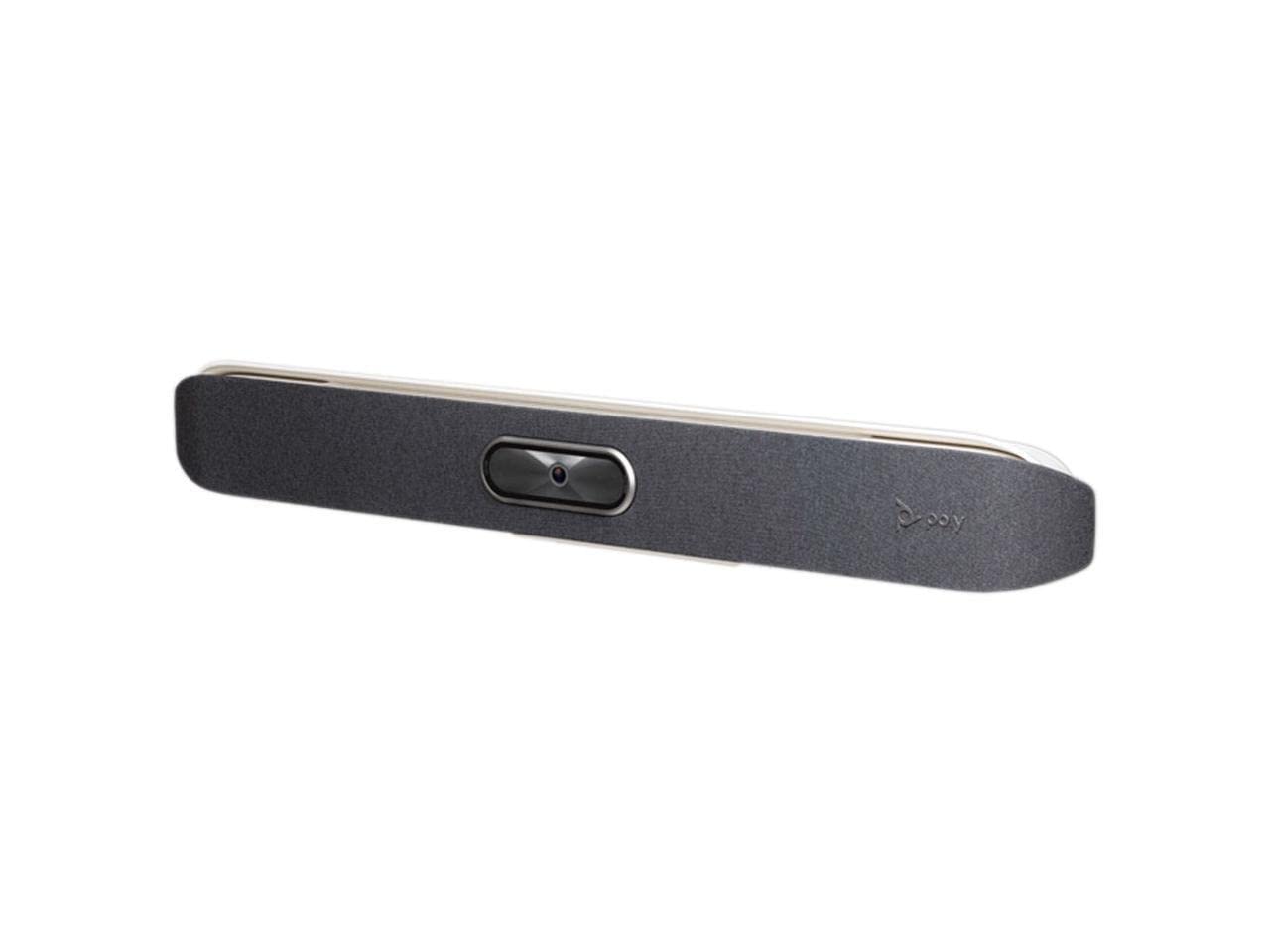
The Poly Studio X50 with TC8 Touch Controller is a video conferencing system designed for mid-size meeting rooms, typically seating 6 to 12 people. It combines a 4K camera, speakers, and microphones into a single soundbar-like unit, and includes a touch controller for managing calls. It works with major platforms like Microsoft Teams and Zoom, either natively or via USB connection to a computer. In this review, we look at how it performs in real-world scenarios, its key features, limitations, and who it’s best suited for.
In actual use, the X50 is often mounted below or above a display, or placed on a credenza. The TC8 touch controller is typically positioned on the conference table, providing a familiar interface for starting meetings, adjusting volume, and sharing content. The system is designed to be always ready, so meetings can start quickly without fumbling with cables. It can operate in two modes: as a standalone device running its native platform (like Teams or Zoom), or as a USB peripheral for other softphones. This flexibility is a key selling point for rooms that need to support multiple platforms.
Key functional features include a 4K camera with a 120-degree field of view, which captures everyone in a mid-size room. The camera uses Poly’s DirectorAI technology to automatically frame and track speakers, though this works best in smaller groups. Audio is handled by three MEMS microphones and a single speaker, with Poly’s NoiseBlockAI to reduce background noise. The TC8 controller has an 8-inch touchscreen and runs the native platform interface. The system also includes Poly’s Acoustic Fence technology, which creates a virtual boundary to keep out external noise. These features are designed to make meetings more inclusive and less fatiguing.
Performance is generally reliable. The camera provides clear video, and the audio pickup is good for voices within about 15 feet. The automatic framing is helpful but can be slow to adjust when someone leaves or enters the room. The TC8 is responsive, and the interface is intuitive for users familiar with Teams or Zoom. However, the X50 is not without limitations. The built-in speaker is adequate for speech but lacks the fullness for multimedia presentations. Also, while the camera’s 4K sensor is sharp, the digital zoom can introduce softness when focusing on distant speakers. The system requires a stable network connection for cloud-based calls; otherwise, video quality may drop. Additionally, the X50 is not designed for large rooms or classrooms—its microphone range and camera field of view are limited to mid-size spaces.
Compared to a traditional PTZ camera with separate audio components, the X50 offers a simpler setup and cleaner installation. However, it may not match the audio quality of a dedicated ceiling microphone array and speakers. For organizations already invested in Poly’s ecosystem, the X50 integrates seamlessly. For those using other platforms, it still works but may require additional configuration. Alternatives like the Logitech Rally Bar or the Neat Bar offer similar all-in-one designs with their own strengths, so it’s worth comparing based on specific platform needs and room acoustics.
The Poly Studio X50 is well-suited for businesses that need a dependable, easy-to-deploy video conferencing solution for mid-size rooms. It’s particularly good for organizations standardized on Teams or Zoom, as the native experience is smooth. It’s also a good fit for rooms where IT staff want remote management capabilities. However, it’s not ideal for large boardrooms, classrooms, or spaces with complex audio needs. If you require high-fidelity audio for music or detailed sound, a separate audio system would be better. Also, if you frequently switch between multiple platforms, the USB mode is convenient but may not offer the same level of integration as native mode. Overall, the X50 is a solid choice for its intended use case, but it’s important to match it to the right room size and platform.