
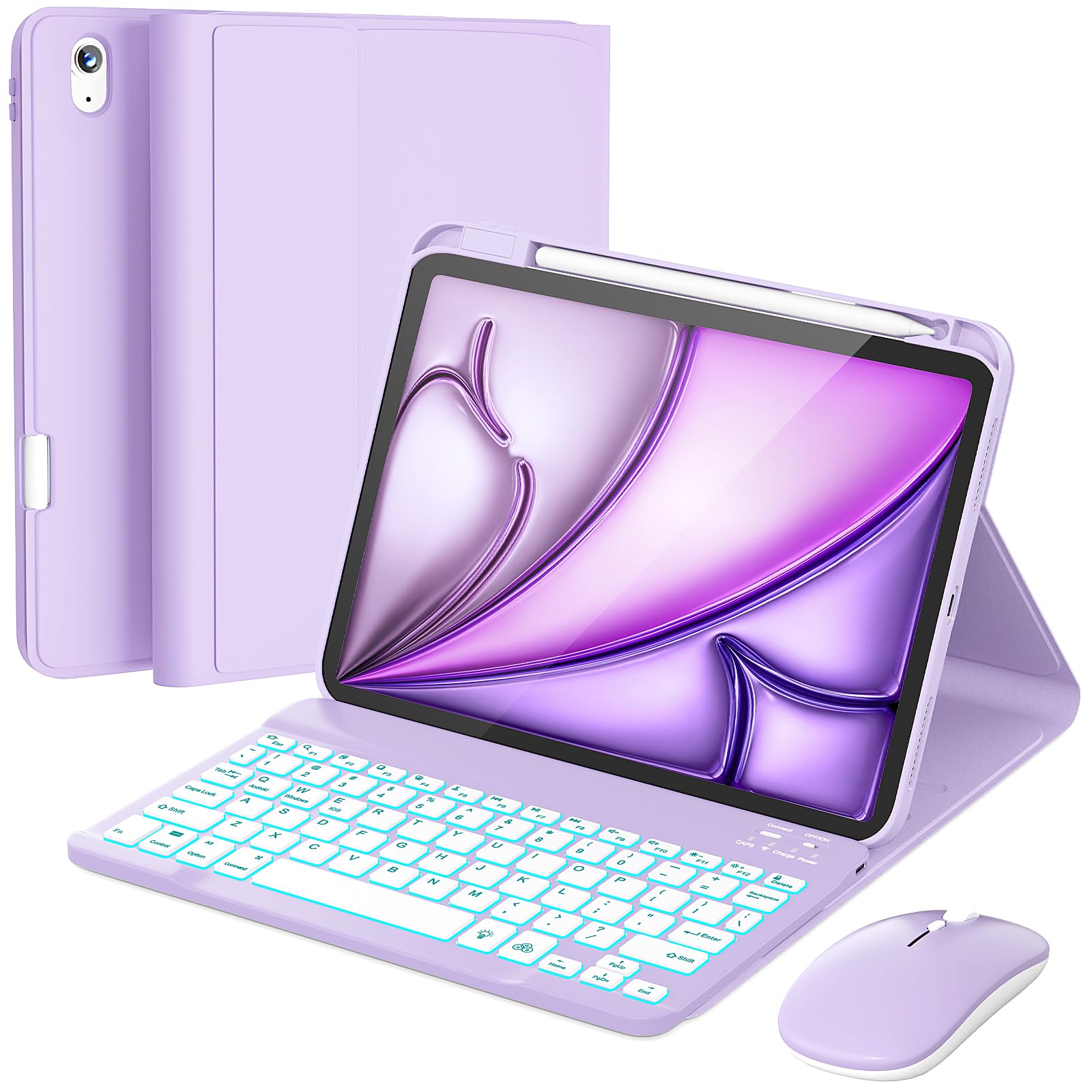
The RAYMCRAFT Keyboard Case & Mouse Combo for iPad Air 11” (compatible with Air 5th and 4th Gen) is a bundle aimed at turning Apple’s tablet into a more laptop-like setup. It includes a detachable keyboard case and a wireless mouse, targeting users who want to type and navigate without carrying a separate computer. After spending time with the combo, here’s how it holds up in everyday use.
The case itself is a folio-style design with a built-in keyboard that connects via Bluetooth. The keys are scissor-switch type, which provide a decent amount of travel compared to typical membrane keyboards on budget cases. The layout is compact but includes a full row of function keys for media controls and shortcuts. The case also has a cutout for the Apple Pencil and a foldable stand that props the iPad at a comfortable viewing angle. The mouse is a basic wireless model that pairs via USB receiver or Bluetooth, with a standard three-button layout and a scroll wheel.
In real-world use, this combo shines for tasks like writing emails, taking notes in class, or drafting documents. The keyboard’s tactile feedback is sufficient for touch typing, though it may take a bit of adjustment if you’re used to a full-sized desktop keyboard. The mouse is responsive enough for general navigation and light photo editing, but it’s not designed for precision work like gaming or detailed design. The case’s stand is stable on flat surfaces, but on uneven surfaces like a bed or lap, it can wobble a bit.
One of the main trade-offs is the bulk it adds. With the keyboard attached, the iPad becomes noticeably thicker and heavier, roughly comparable to a MacBook Air. If you prioritize portability, you might prefer a slimmer keyboard case or a separate Bluetooth keyboard. Also, the mouse requires its own battery (usually a AA), which adds to the weight and means you’ll need to keep spares on hand. The keyboard itself charges via USB-C, but battery life varies with backlight usage; with backlight on, you might get a few days of moderate use, while turning it off extends it to weeks.
Compared to Apple’s own Magic Keyboard for iPad Air, the RAYMCRAFT combo is a more affordable alternative. The Magic Keyboard offers a better typing experience, a trackpad, and a more premium build, but it costs significantly more. The RAYMCRAFT lacks a trackpad, so you’ll rely on the mouse or touchscreen for navigation. If you’re on a budget and don’t mind the extra bulk, this combo provides good value. Another alternative is a simple Bluetooth keyboard and separate stand, which can be lighter but less integrated.
Who is this for? It’s suitable for students, casual users, and professionals who need a keyboard for occasional typing and don’t want to spend a lot. It’s also good for those who prefer a physical mouse over a trackpad. However, it’s not for users who need a trackpad for gestures, or for those who require a premium typing feel. If you’re a heavy typist or need precise cursor control, you might want to look at higher-end options. Also, if you frequently use your iPad in tablet mode, removing the case each time can be cumbersome.
In terms of build quality, the case is made of a soft-touch plastic that resists fingerprints but can attract dust. The hinge seems durable enough for regular use, but it’s not as rigid as metal hinges. The keyboard keys are plastic but have a nice matte finish. The mouse is lightweight and feels a bit plasticky, but it works reliably within a few feet of the receiver.
Overall, the RAYMCRAFT combo is a functional accessory for iPad Air users who want a keyboard and mouse without breaking the bank. It has its compromises, but for the price, it delivers the essentials. Just be aware of the added bulk and the lack of a trackpad.