
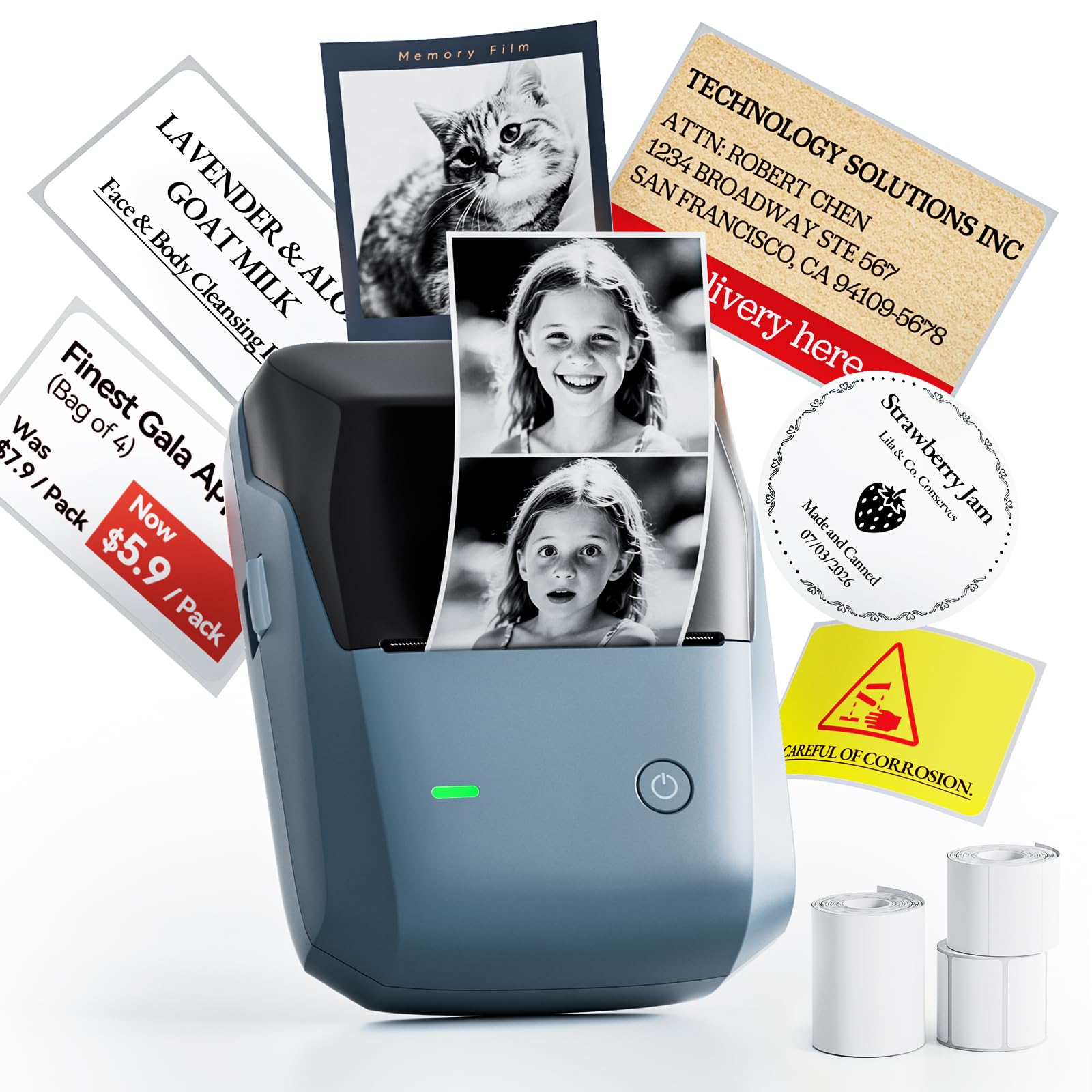
The NIIMBOT B1Pro sits in a crowded field of small thermal label printers that have become popular for home organization, small business inventory, and light retail use. This model distinguishes itself with a 300 DPI print resolution, a bundled three-roll label supply, and a blue housing that stands apart from the usual black or white options. It is a Bluetooth-connected device that relies entirely on a smartphone app, which is the first thing anyone considering it should understand.
In practice, the B1Pro is used for tasks like labeling storage bins, pantry jars, shipping boxes, file folders, cables, and product packaging for small sellers. The 300 DPI resolution matters most for small text and fine detail, such as barcodes, ingredient lists, or QR codes that need to scan reliably. At this resolution, text at small point sizes tends to stay legible, which is a meaningful step up from the 203 DPI printers that dominate the budget tier. For labels that are read from arm’s length, the difference is subtle; for dense or tiny content, it is noticeable.
The hardware itself is compact and portable, powered by an internal rechargeable battery, so it can be carried around a workspace without being tethered to a wall outlet. Printing is direct thermal, meaning it uses heat-sensitive label stock and no ink or toner. That keeps running costs low and maintenance simple, but it also means the labels are not suited to long-term outdoor use or environments with sustained heat and sunlight, where thermal print can fade over time. The bundled three rolls give buyers a starting supply, though the printer uses NIIMBOT’s proprietary label cartridges, which limits you to their ecosystem and their pricing rather than generic third-party labels.
Setup follows the familiar pattern for this category: download the NIIMBOT app, pair over Bluetooth, and design labels on the phone screen. The app includes templates, fonts, icons, and barcode generation, and it is where essentially all the work happens. There are no physical controls beyond a power button, and no way to print from a desktop computer without going through the mobile app or supported workarounds. This is a real limitation for anyone who wants to design labels in a full desktop editor or integrate the printer into an existing workflow. The phone-first approach is convenient for quick jobs but slows down bulk or complex design work.
Print speed is adequate for small batches but not fast. A single label takes a few seconds, and a run of several dozen labels is a job you plan around rather than breeze through. Print quality is consistent on the intended label stock, with clean edges on text and graphics, though very fine gradients and photos are outside what direct thermal does well. Expect solid monochrome output, not photographic reproduction. The labels themselves hold up reasonably for indoor use on smooth surfaces, but adhesion on textured, dusty, or curved surfaces varies, and some users will want to test a sample before committing to a large batch.
Compared with a conventional desktop label printer such as a Brother or DYMO model, the B1Pro trades flexibility for portability. Desktop units often accept a wider range of label sizes, work with wired computer connections, and have more robust software, but they are bulkier and less convenient for quick jobs around the house or shop. Compared with cheaper 203 DPI pocket printers, the B1Pro’s higher resolution is its main argument, and it is a reasonable one if your labels contain small print or scannable codes. If your labeling needs are simple and large-format, the extra resolution may not justify the higher price.
The B1Pro is a good fit for home organizers, crafters, small online sellers, and anyone who wants tidy, legible labels without a lot of setup. It is less suitable for high-volume operations, users who need desktop software and wired connectivity, or anyone who wants to use generic label stock. It is also not the right choice for outdoor or long-term archival labeling. As a compact, app-driven printer with above-average resolution, it does what it sets out to do, provided you accept the closed label ecosystem and the phone-only workflow.